Ledger vs Trezor for Bitcoin: Which Wallet Fits BTC Holders?
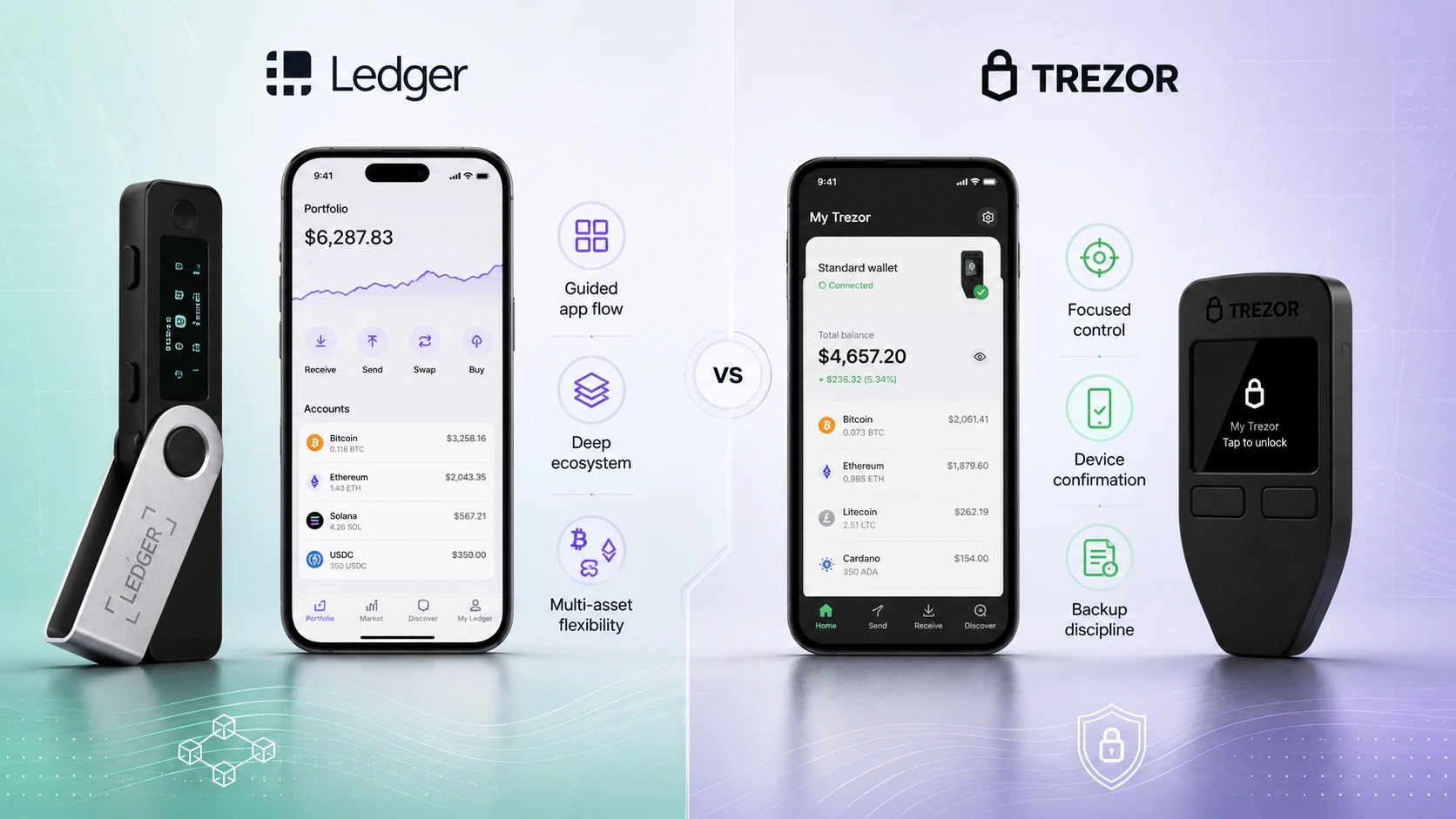
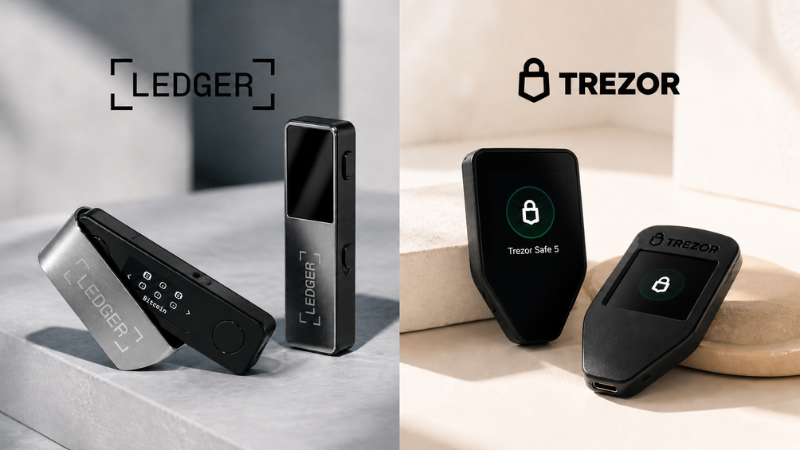
Ledger and Trezor can both store Bitcoin, but they appeal to different BTC holder routines. Trezor is usually the clearer fit for Bitcoin-only, control-focused holders. Ledger can still make sense if you hold Bitcoin plus other assets or want broader app ecosystem flexibility.
Short answer: Trezor is simpler for Bitcoin-only, Ledger is broader for Bitcoin plus crypto
If you only plan to hold Bitcoin and want a quieter self-custody routine, Trezor often has the clearer Bitcoin-first appeal. If you hold Bitcoin plus other assets, want mobile convenience, or prefer broader app ecosystem flexibility, Ledger may be the better fit.
Better fit for Bitcoin-only discipline
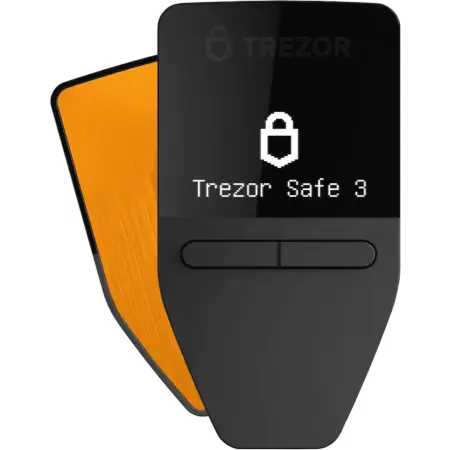
Choose Trezor if your goal is a calm BTC-first storage routine, fewer ecosystem distractions, and focused recovery habits.
Better fit for BTC plus crypto flexibility
Choose Ledger if Bitcoin is one part of a wider portfolio and you want broader app-led asset management.


Answer a few practical questions to see which wallet style fits you better.
Take the Ledger vs Trezor Quiz Get a practical wallet-style recommendationLedger vs Trezor for Bitcoin: best choice by BTC holder type
Trezor better matches a simpler, Bitcoin-first storage routine.
Ledger makes more sense when BTC is one part of a broader portfolio.
Trezor may feel clearer, but nervous beginners should also read the beginner guide or take the quiz.
Ledger Wallet is positioned for buying, swapping, staking, and managing crypto with Ledger signers.
A quieter workflow can help reduce unnecessary actions around long-term BTC storage.
Ledger's broader asset and app support gives more room to grow beyond Bitcoin.
Ledger vs Trezor Bitcoin comparison table
| Category | Ledger | Trezor |
|---|---|---|
| Best for Bitcoin-only | Can be used for BTC only, but the ecosystem is broader than BTC. | Better if BTC is the main focus and the user wants a simpler self-custody routine. |
| Best for Bitcoin plus other assets | Better if BTC is one part of a broader crypto portfolio. | Works for multiple assets, but the page angle is stronger for control-focused BTC storage. |
| App ecosystem | Ledger positions Ledger Wallet as an app for buying, swapping, staking, and managing crypto with Ledger signers. | Trezor Suite is more focused around Trezor's wallet flow and device review. |
| Bitcoin-only product option | Ledger does not position Nano S Plus as Bitcoin-only; it emphasizes broad coin and token support. | Trezor describes Safe 3 Bitcoin-only as designed exclusively for safeguarding bitcoin. |
| Recovery discipline | Strong if you can protect the recovery phrase and use official setup steps carefully. | Strong if you want a simpler routine around recovery phrase and storage habits. |
| Beginner clarity | More flexible, but extra features can add decisions. | More focused if the beginner is mainly storing BTC long term. |
| Long-term storage fit | Good for BTC plus broader portfolio storage. | Good for BTC-only or BTC-first long-term holding habits. |
| Main limitation | May be broader than a Bitcoin-only holder needs. | May be less appealing if you want a wider app ecosystem. |
Why Trezor may fit Bitcoin-only holders better
Trezor often has stronger Bitcoin-only appeal because its positioning is simpler: control the device, use Trezor Suite, protect the recovery phrase, and keep the routine calm. Trezor describes the Safe 3 Bitcoin-only as designed exclusively for safeguarding bitcoin, and the official product page describes Secure Element EAL6+ for that device.
This does not mean every Bitcoin holder must choose Trezor. It means Trezor is easier to explain when the goal is long-term BTC storage with fewer ecosystem distractions.
Why Ledger may fit Bitcoin holders who also use other crypto
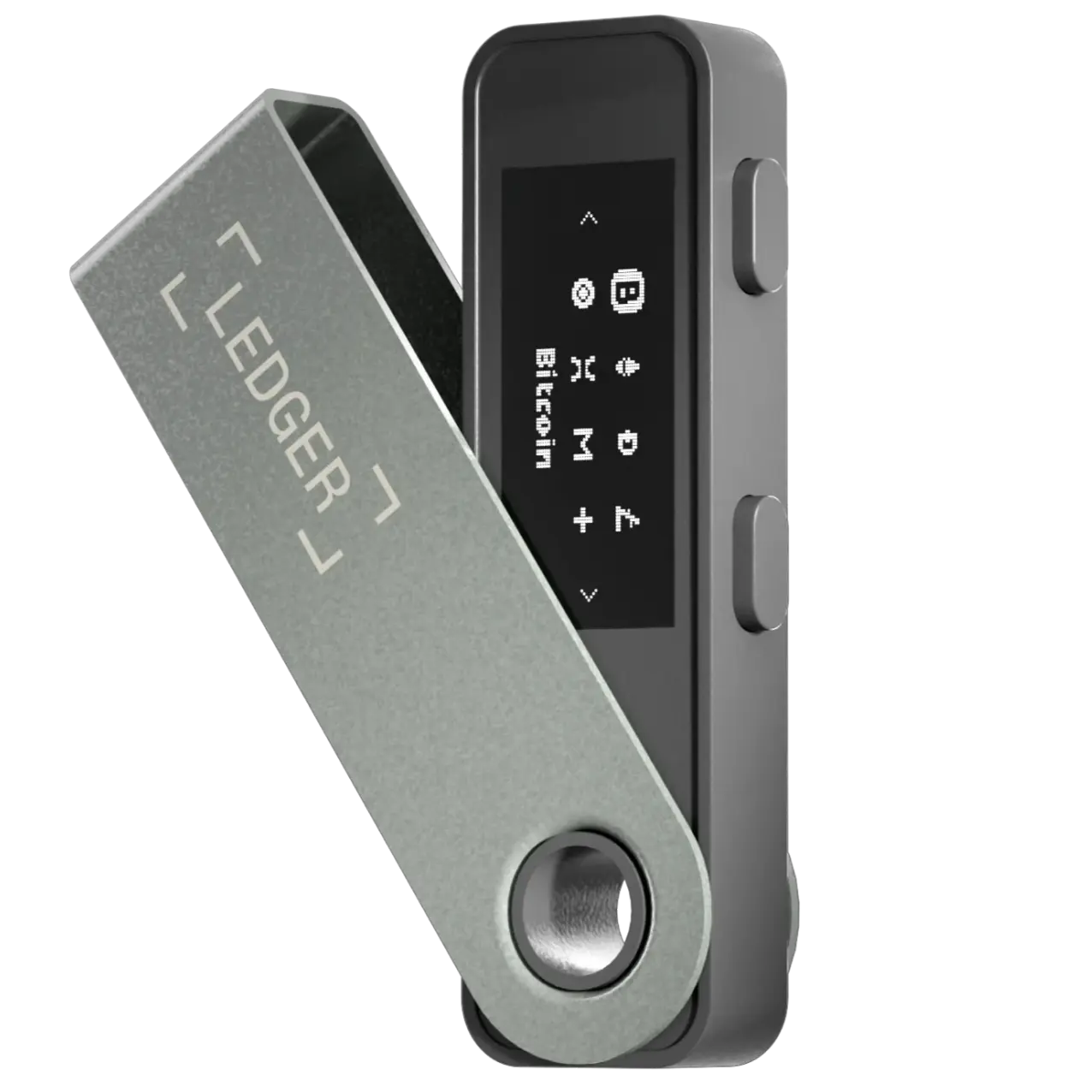
Ledger may fit better if Bitcoin is only part of your portfolio. Ledger Nano S Plus official product details list the ST33K1M5 Secure Element chip, CC EAL6+ chip certification, Ledger OS, support for thousands of coins and tokens, and the ability to install up to 100 apps according to Ledger shop wording.
Ledger also positions Ledger Wallet as the app layer for buying, swapping, staking, and managing crypto with Ledger signers. That broader app-led ecosystem is useful if you hold BTC plus ETH, SOL, stablecoins, NFTs, or tokens.


'%20d='M19.6%2017.5h28.1c1%200%201.5%201.2.8%201.9l-5%205a3%203%200%200%201-2.1.9H13.3c-1%200-1.5-1.2-.8-1.9l5-5a3%203%200%200%201%202.1-.9Zm0%2021.2h28.1c1%200%201.5%201.2.8%201.9l-5%205a3%203%200%200%201-2.1.9H13.3c-1%200-1.5-1.2-.8-1.9l5-5a3%203%200%200%201%202.1-.9ZM16.3%2028.1h28.1a3%203%200%200%201%202.1.9l5%205c.7.7.2%201.9-.8%201.9H22.6a3%203%200%200%201-2.1-.9l-5-5c-.7-.7-.2-1.9.8-1.9Z'/%3e%3c/svg%3e)


Bitcoin holder scenarios: which wallet fits your routine?
I only hold BTC and rarely move it
Choose Trezor if you want fewer distractions and a more focused cold-storage habit.
Trezor fitI hold BTC plus ETH, SOL, or stablecoins
Choose Ledger if you want one ecosystem for more crypto scenarios.
Ledger fitI want one app for many crypto actions
Ledger is usually the better match for app-led management.
Ledger fitI want simple storage discipline
Trezor fits users who want a quieter, control-focused BTC routine.
Trezor fitI might buy altcoins later
Ledger gives more room if your portfolio may expand beyond BTC.
Ledger fitI want Bitcoin-only branding or firmware option
Trezor Safe 3 Bitcoin-only is the clearer official Bitcoin-only product angle.
Trezor fitBeginner warning for Bitcoin cold storage
The device is not the only risk. Bitcoin holders still need safe recovery phrase storage, official purchase sources, address verification, and a test transaction habit.
Buy from official or trusted channels
Avoid suspicious marketplaces and opened packages.
Never type seed words into websites
Wallet support staff will not need your recovery phrase.
Do not use cloud notes or screenshots
Recovery words should stay offline and private.
Verify addresses on device
Confirm receive and send addresses on the hardware wallet screen.
Test with a small BTC amount first
Practice the routine before moving meaningful balances.
Ledger vs Trezor for Bitcoin FAQ
Is Ledger or Trezor better for Bitcoin?
Trezor is often the clearer fit for Bitcoin-only holders who want a quieter self-custody routine. Ledger can be better if Bitcoin is one part of a broader crypto portfolio and you want more ecosystem flexibility.
Is Trezor better for Bitcoin-only holders?
Often, yes. Trezor Safe 3 Bitcoin-only is described by Trezor as designed exclusively for safeguarding bitcoin, which can appeal to holders who want fewer distractions.
Can Ledger be used for Bitcoin only?
Yes. Ledger devices can be used for Bitcoin-only storage, but Ledger's broader value is often strongest when you also want multi-asset support and app-led crypto management.
Which is better for long-term BTC storage?
Trezor may fit long-term Bitcoin-only storage better if you want a simpler routine. Ledger may fit long-term holders who also manage other assets and want the Ledger ecosystem.
Which wallet is better if I hold BTC and altcoins?
Ledger is usually the better fit if you hold BTC plus ETH, SOL, stablecoins, tokens, or other assets because Ledger emphasizes broader app and asset support.
Is a Bitcoin-only hardware wallet safer?
Bitcoin-only positioning can reduce distractions, but it does not automatically make a user safe. Recovery phrase storage, official purchase sources, and address verification still matter.
Should beginners choose Ledger or Trezor for Bitcoin?
A beginner who only wants Bitcoin may lean Trezor for a clearer storage routine. A beginner who expects to use many assets may lean Ledger.
Is this financial advice?
No. WalletMatcher is educational only and does not provide financial, tax, legal, or security advice.
Official sources for Ledger and Trezor Bitcoin details
Product pages, supported-asset lists, app features, and security wording can change. Use these official sources before buying or moving funds.