Ledger Nano S Plus vs Trezor Safe 3: Which Budget Hardware Wallet Fits You Best?
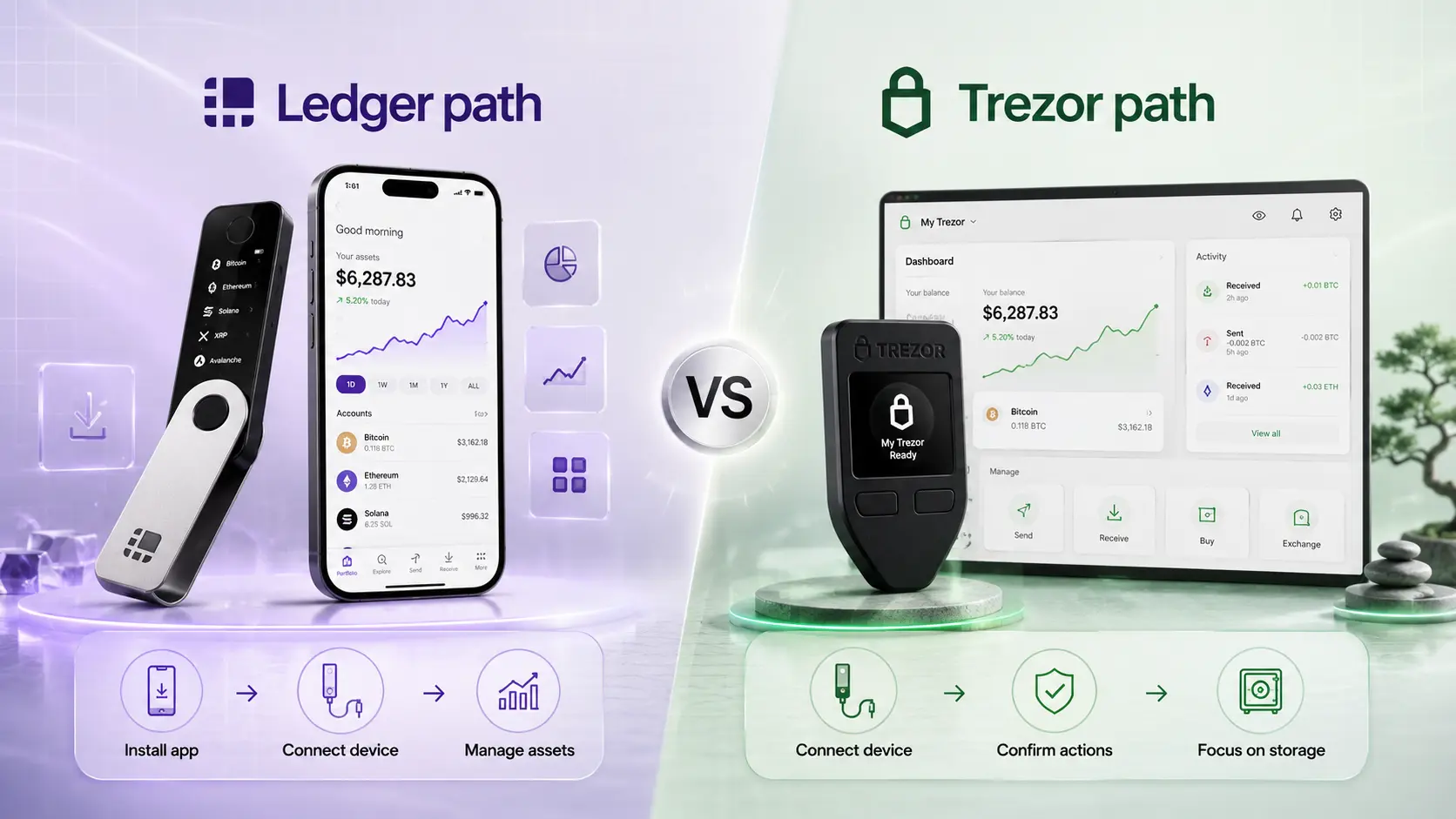
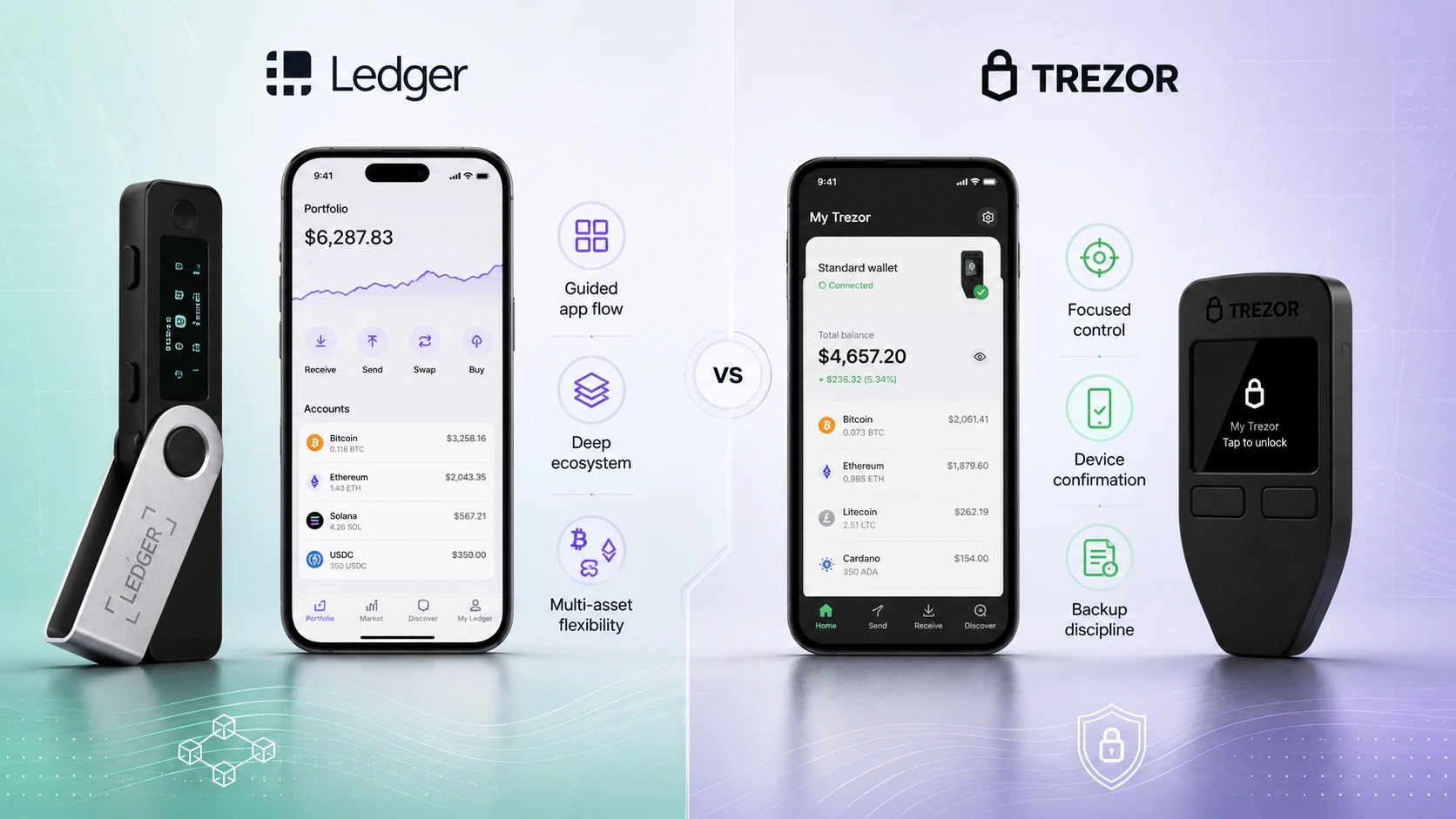
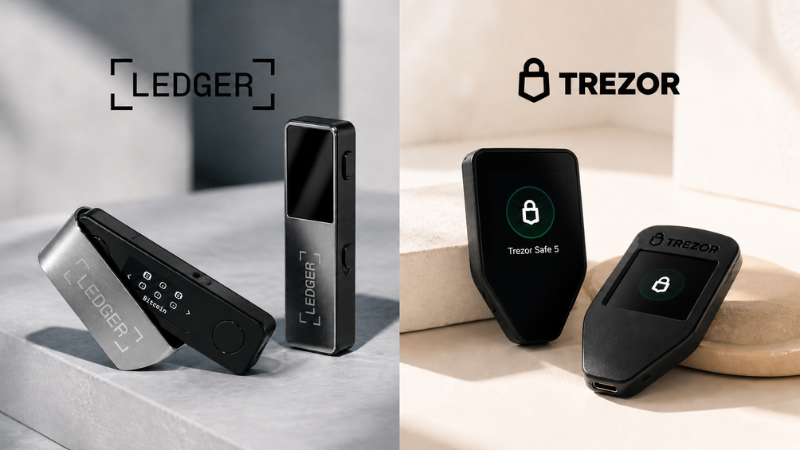
Ledger Nano S Plus and Trezor Safe 3 are two popular budget-friendly hardware wallet options. The better choice depends on whether you want Ledger's broader app ecosystem or Trezor's more control-focused self-custody style.
Short answer: Ledger for ecosystem flexibility, Trezor for control-focused self-custody
Choose Ledger Nano S Plus if you want a lower-cost Ledger device with broad asset support, Ledger Wallet app convenience, and a more ecosystem-driven experience.
Choose Trezor Safe 3 if you want a budget Trezor device with open-source positioning, device-entry passphrase habits, and a more control-focused self-custody flow.
Quick quiz: Ledger Nano S Plus or Trezor Safe 3?
Answer a few quick questions to see which budget wallet style fits you better.
 Ledger Nano S Plus
vs
Ledger Nano S Plus
vs
 Trezor Safe 3
What matters most to you in a budget wallet?
This mini quiz is a lightweight decision helper, not financial, security, tax, or legal advice.
WalletMatcher decision angle: budget app flexibility vs backup discipline
This comparison is not just about which device costs less. It is about whether your first budget hardware wallet should feel like a broad crypto management tool or a quieter long-term self-custody device.
Choose for active crypto management
Ledger Nano S Plus makes more sense if you expect to manage several assets and want the Ledger app ecosystem around the device.
Choose for calmer cold storage habits
Trezor Safe 3 makes more sense if your main goal is a simple storage routine, open-source positioning, and direct control habits.
Do not buy only by specs
The better budget wallet is the one whose backup model, screen flow, and app experience you can repeat without guessing.

Budget wallet fit scores
Editorial scores to help compare Ledger Nano S Plus vs Trezor Safe 3 by user fit, not official security ratings.

App ecosystem
Useful if you manage several assets.
Ledger9Trezor7Open-source/control fit
Useful if transparency matters most.
Ledger6Trezor9Beginner setup
Both require careful backup habits.
Ledger7Trezor7Long-term storage habits
Best for quiet holding routines.
Ledger7Trezor9Multi-asset flexibility
Useful for altcoins and app access.
Ledger9Trezor7Budget simplicity
Low-cost hardware wallet fit.
Ledger8Trezor8Scores are WalletMatcher editorial estimates for decision support. They are not official ratings, financial advice, or a claim that either wallet is universally safer.
Best choice by user type
| User type | Best choice | Why |
|---|---|---|
| Budget Ledger ecosystem user | Ledger Nano S Plus |
Better fit if you want Ledger Wallet app convenience, broad asset support, and a polished Ledger ecosystem. |
| Budget open-source/control-focused user | Trezor Safe 3 |
Better fit if you value Trezor's open-source positioning, device-entry passphrase habits, and simpler self-custody flow. |
| Long-term holder | Trezor Safe 3 |
Usually a strong fit for users who want control-focused backup habits and less app ecosystem complexity. |
| Multi-asset active user | Ledger Nano S Plus |
Usually better for users who want broader asset/app flexibility and Ledger ecosystem access. |
| Bitcoin-only buyer | Trezor Safe 3 Bitcoin-only option or Ledger Nano S Plus |
Trezor offers a Bitcoin-only Safe 3 option, while Ledger Nano S Plus can still work for Bitcoin plus broader crypto use. |
Real-life user scenarios
These are the kinds of budget-wallet decisions where the Ledger Nano S Plus vs Trezor Safe 3 choice becomes clearer.
The altcoin beginner
You hold Bitcoin, Ethereum, Solana, a few tokens, and you expect to add more later. Ledger Nano S Plus is usually the cleaner fit because asset and app flexibility matter more than minimalism.
The quiet Bitcoin saver
You mostly want to buy, withdraw, and leave coins alone. Trezor Safe 3 is usually the better fit if you want a more direct storage habit and like the Bitcoin-only option.
The desktop-first Android user
You do not need Bluetooth or iPhone management, but you want a budget Ledger device for desktop and Android use. Ledger Nano S Plus makes sense here.
The nervous first-time self-custody user
If the biggest risk is misunderstanding recovery words, pick the device whose backup flow you can explain back to yourself. For many long-term holders, that points toward Trezor Safe 3.
Ledger Nano S Plus vs Trezor Safe 3 comparison table
| Category | Ledger Nano S Plus |
Trezor Safe 3 |
|---|---|---|
| Best for | Budget Ledger ecosystem users | Budget open-source/control-focused users |
| Security style | Secure Element + Ledger OS | Secure Element EAL6+ with Trezor's open-source positioning |
| App experience | Ledger Wallet app ecosystem | Trezor Suite experience |
| Supported assets | Ledger says Nano S Plus can manage 15,000+ coins and tokens and install up to 100 apps. | Trezor supports many major coins and tokens through Trezor Suite and compatible integrations. |
| Connectivity | USB-C for desktop and Android | USB-C hardware wallet flow |
| Display | Monochrome OLED display, 128 x 64 px | 0.96 inch monochromatic OLED, 128 x 64 pixels |
| Backup | Recovery sheets included | 20-word backup cards, with support for other backup formats and Multi-share Backup |
| Best beginner fit | Better if you want app/ecosystem flexibility | Better if you want a more direct self-custody control style |
| Main limitation | More ecosystem/app complexity | Less Ledger-style app ecosystem breadth |
Budget wallet infographic
A quick visual summary of how Ledger Nano S Plus and Trezor Safe 3 compare by ecosystem flexibility, self-custody style, supported assets, and beginner fit.

Budget Ledger vs budget Trezor
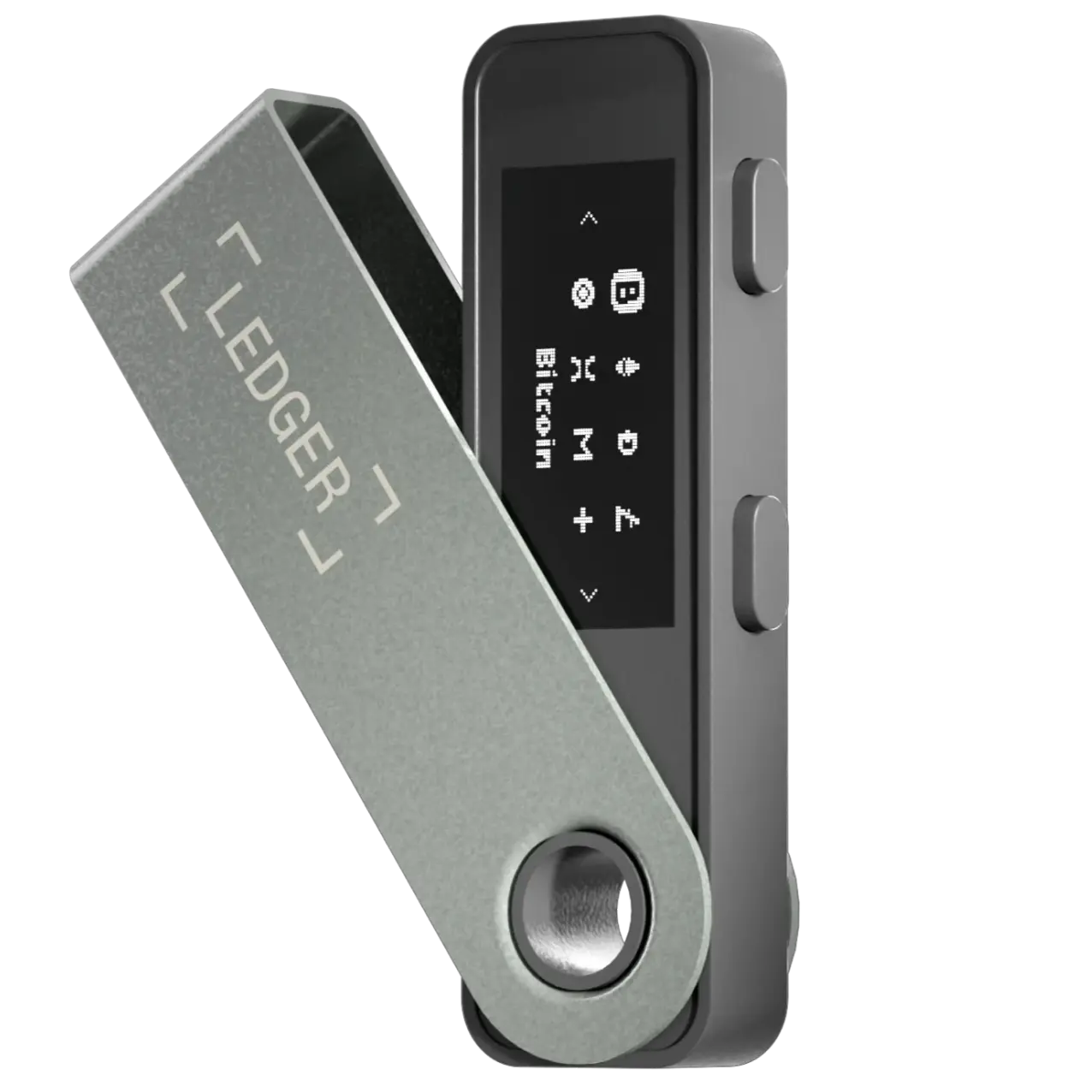
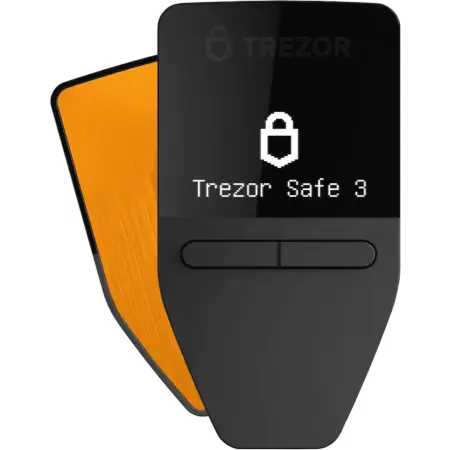
Trezor Safe 3
Ledger Nano S Plus pros and cons
Pros
- Budget-friendly way to enter the Ledger ecosystem.
- Broad asset and app support.
- Secure Element + Ledger OS positioning.
- Good fit for users managing multiple assets.
Cons
- No Bluetooth.
- More ecosystem complexity than a simpler cold-storage flow.
- Closed-source elements may not appeal to open-source-focused users.
Trezor Safe 3 pros and cons
Pros
- Strong control-focused self-custody positioning.
- Trezor's open-source reputation and Trezor Suite flow.
- EAL6+ Secure Element according to Trezor.
- 20-word backup format.
Cons
- Less Ledger-style ecosystem flexibility.
- May feel less app-driven for active multi-asset users.
- Users still need strong backup discipline.
Choose or avoid Ledger Nano S Plus
Choose Ledger Nano S Plus if...
- You want the Ledger ecosystem at a lower price point.
- You hold multiple assets and want broad support.
- You prefer app-based management.
- You do not need Bluetooth or iPhone-first daily use.
- You are okay with Ledger's security model and ecosystem style.
Avoid Ledger Nano S Plus if...
- You specifically want a more open-source-centered device philosophy.
- You want the simplest possible long-term vault routine.
- You expect Bluetooth or iPhone-first device use.
- You prefer fewer app ecosystem choices around your cold wallet.
Choose or avoid Trezor Safe 3
Choose Trezor Safe 3 if...
- You value open-source positioning.
- You want a simple self-custody flow.
- You prefer Trezor Suite and device-entry passphrase habits.
- You are focused on long-term holding.
- You want a budget Trezor with Secure Element protection.
Avoid Trezor Safe 3 if...
- You want the broadest app and asset ecosystem.
- You expect a more exchange-like portfolio management experience.
- You want Ledger-style device options later without changing ecosystem.
- You prefer active multi-asset management over a calmer cold-storage flow.
Beginner warning: the cheaper wallet is not always the safer choice for you
A budget hardware wallet can still be a strong choice, but the real risk for beginners is usually not the device itself. The bigger mistakes are poor recovery phrase storage, buying from unsafe sellers, approving transactions without checking details, and keeping too much crypto on exchanges before learning self-custody basics.

Buy carefully
Buy only from official or trusted channels.
Never type recovery words
Never type your recovery phrase into a website.
Avoid cloud copies
Do not store recovery words in screenshots or cloud notes.
Practice first
Test recovery knowledge before moving large funds.
Use what you understand
Use the wallet style you actually understand.
FAQ
Is Ledger Nano S Plus better than Trezor Safe 3?
Ledger Nano S Plus is usually better if you want Ledger's broader ecosystem and multi-asset flexibility. Trezor Safe 3 is usually better if you prefer Trezor's open-source positioning and a more control-focused self-custody style.
Is Trezor Safe 3 good for beginners?
Yes, Trezor Safe 3 can be a good beginner hardware wallet for users who want a simpler self-custody flow and are willing to learn recovery phrase safety.
Is Ledger Nano S Plus good for beginners?
Yes, Ledger Nano S Plus can be a good beginner option if you want broad asset support and do not need Bluetooth. Beginners should still learn recovery phrase safety before moving large funds.
Which is better for Bitcoin, Ledger Nano S Plus or Trezor Safe 3?
Both can work for Bitcoin storage. Trezor Safe 3 may appeal more to Bitcoin-focused users who like Trezor's control-focused positioning, while Ledger Nano S Plus may appeal to users who also want broader crypto support.
Does Ledger Nano S Plus have Bluetooth?
No. Ledger Nano S Plus uses USB-C and is generally better for desktop or Android use than users who specifically want Bluetooth.
Does Trezor Safe 3 use a Secure Element?
Trezor describes Safe 3 as using Secure Element EAL6+ protection together with its self-custody and backup approach.
Which one is better for long-term storage?
Trezor Safe 3 is often the better fit for users who want a simple, control-focused long-term storage habit. Ledger Nano S Plus can also work well if the user prefers Ledger's ecosystem and manages backup safety properly.
Should I buy the cheapest hardware wallet?
Not always. Choose the wallet you understand best. A cheaper device is not helpful if you do not know how to protect the recovery phrase or verify transactions safely.
Official sources
Product details can change, so always check the official Ledger and Trezor pages before buying.