Ledger vs Trezor for Beginners: Which Wallet Is Easier to Start With?
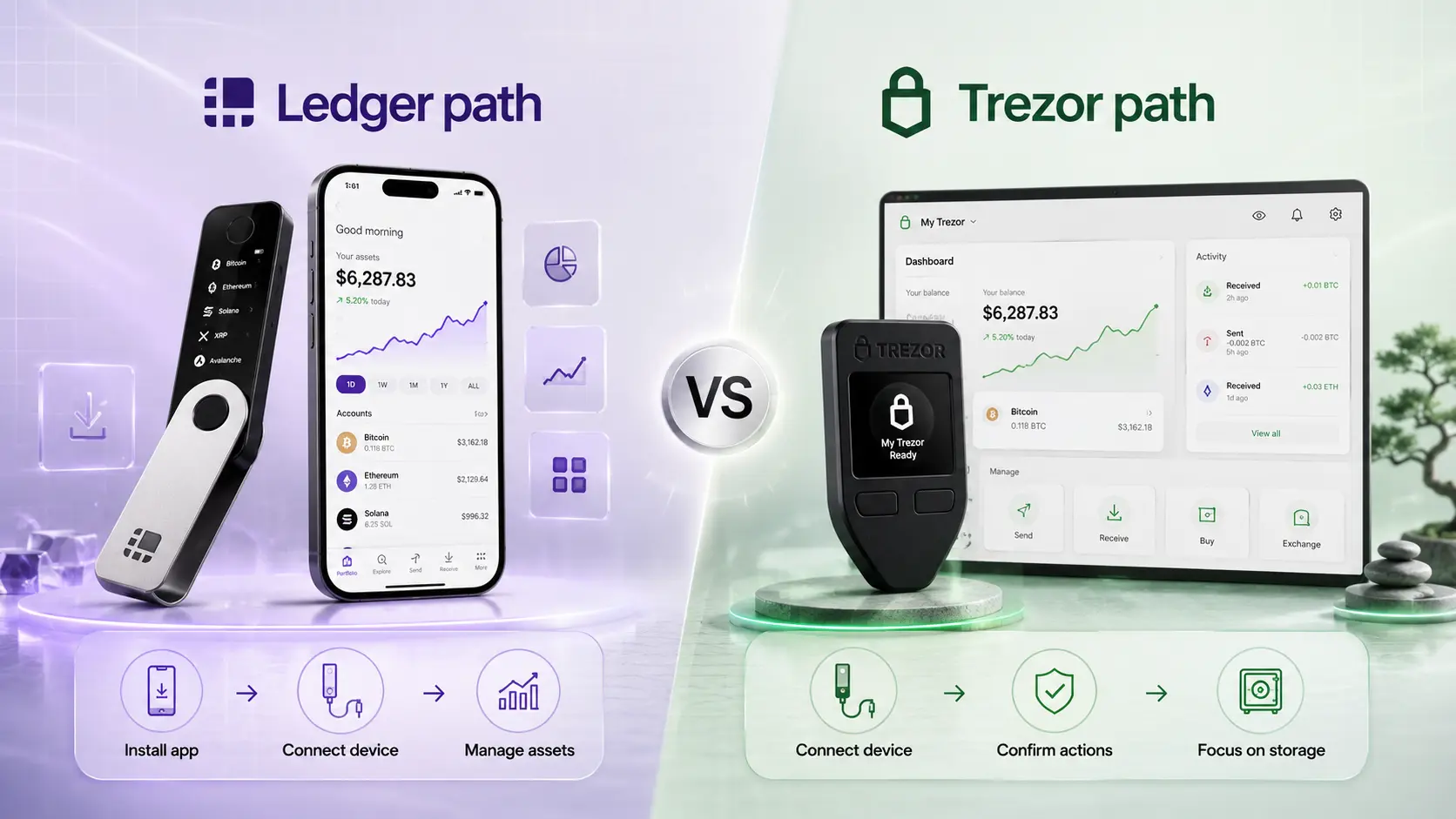
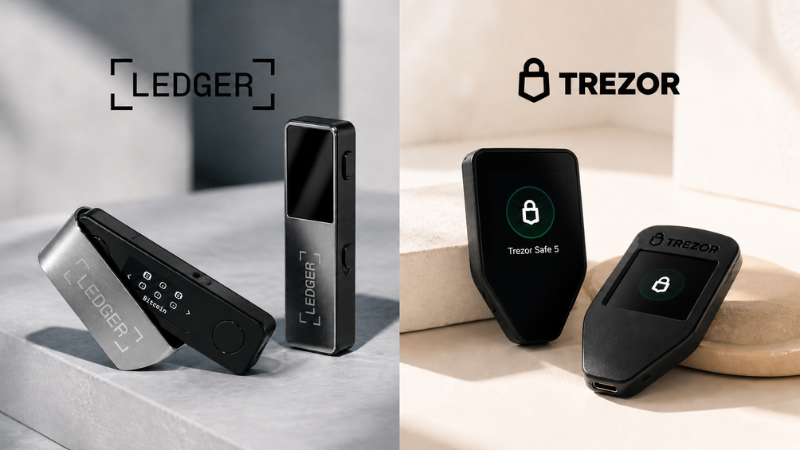
Ledger and Trezor are both beginner-friendly in different ways. Ledger can feel easier if a beginner wants a polished app ecosystem. Trezor can feel easier if a beginner wants a simpler, control-focused self-custody routine.
Short answer: Ledger is more app-driven, Trezor is more control-focused for beginners
Ledger may feel easier if you want a polished app-led experience and broad crypto support. Trezor may feel easier if you want a more direct self-custody flow and clearer backup discipline. The better beginner wallet is the one whose recovery and transaction-checking process you can repeat without guessing.
Better for app-led beginners
Choose Ledger if you want the wallet experience to feel more like a guided crypto app with room to manage many assets.
Better for calmer self-custody
Choose Trezor if fewer distractions, device review, and recovery discipline feel easier to repeat.


Answer a few practical questions to see which wallet style fits you better.
Take the Ledger vs Trezor Quiz Get a practical wallet-style recommendationLedger vs Trezor for beginners: best choice by beginner type
Ledger is more app-driven and can feel familiar to users who want guided crypto management.
Trezor can feel calmer for storage-focused users who want fewer moving parts.
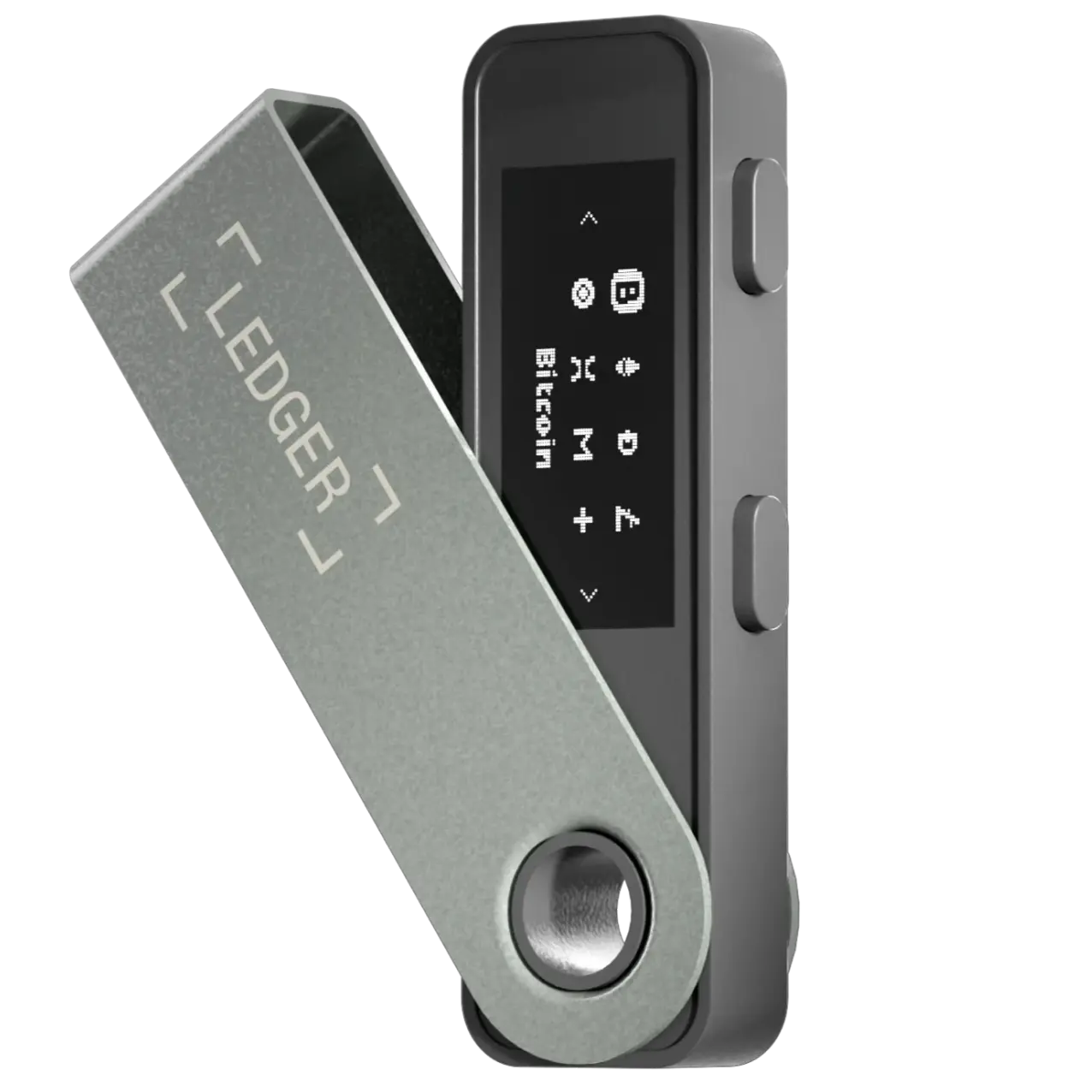
Ledger says Nano S Plus can manage 15,000+ coins and tokens and install up to 100 apps.
Trezor's Bitcoin-only product angle is easier to understand for BTC-first holders.
A simpler routine may help, but the warning section matters more than the brand.
Ledger's app ecosystem gives more room to expand into broader crypto use.
Ledger vs Trezor beginner comparison table
| Category | Ledger | Trezor |
|---|---|---|
| Setup style | More app-led, with a broader ecosystem around Ledger Wallet. | More direct and control-focused through Trezor Suite. |
| App experience | Ledger positions Ledger Wallet for buying, swapping, staking, and managing crypto with Ledger signers. | Trezor Suite keeps the experience closer to wallet control and device confirmation. |
| Device confirmation | Depends on the Ledger model and screen size, but device verification remains important. | Depends on the Trezor model, with Safe-series devices emphasizing clear confirmation habits. |
| Recovery phrase habit | Requires careful offline recovery phrase storage and official setup instructions. | Requires careful offline recovery phrase storage and official setup instructions. |
| Supported assets | Ledger emphasizes broad support for thousands of coins and tokens. | Trezor supports many assets, but this beginner angle is strongest for focused self-custody. |
| Beginner mistake risk | More features can create more choices and more places to slow down. | Fewer distractions can help, but seed phrase mistakes are still possible. |
| Best beginner fit | Users who want a polished app ecosystem and room to grow. | Users who want calmer storage habits and self-custody discipline. |
| Main limitation | Can feel busier than a simple cold-storage routine. | Can feel less flexible if the user wants broader app actions later. |
Why Ledger can feel easier for app-first beginners
Ledger can feel easier when a beginner wants the wallet experience to look more like a modern crypto app. Ledger positions Ledger Wallet as a way to buy, swap, stake, and manage crypto with Ledger signers, and Ledger Nano S Plus pages describe broad coin and token support plus up to 100 apps.
That helps active beginners who expect to manage more than Bitcoin. The tradeoff is that broader flexibility can add more decisions, so beginners should slow down, verify addresses on the device, and avoid using features they do not understand yet.
Why Trezor can feel easier for self-custody beginners
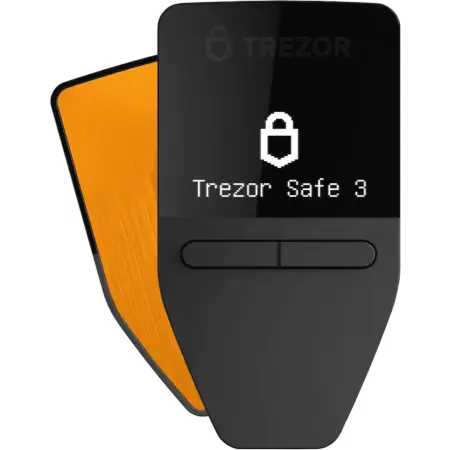
Trezor can feel easier when a beginner wants fewer distractions and a more direct self-custody routine. Trezor Safe devices are tied to Trezor Suite and Trezor's open-source positioning, and Trezor describes Safe 3 Bitcoin-only as designed exclusively for safeguarding bitcoin.
This can help cautious beginners focus on the basics: recovery phrase privacy, device confirmation, and long-term storage habits. It does not remove responsibility, but it may make the routine easier to understand.
Beginner scenarios: which wallet style fits you?
I want the app to guide me
Ledger is the stronger fit if you want app-led crypto management.
Ledger fitI want fewer features and calmer storage
Trezor is the stronger fit if you want a quieter self-custody routine.
Trezor fitI hold many different assets
Ledger is usually a better match for broad asset management.
Ledger fitI mostly hold Bitcoin long term
Trezor may be the clearer first wallet if BTC is the main goal.
Trezor fitI worry about recovery phrase mistakes
Read the warning section before buying either device.
Safety firstI want to explore crypto apps later
Ledger gives more room if your use case becomes more active.
Ledger fitBeginner warning: the wallet is not the hard part
The hardest part for most beginners is not buying the device. It is protecting the recovery phrase, avoiding fake setup pages, checking addresses, and understanding that support staff will never need the seed phrase.
Never type your recovery phrase into a website
Your seed words should not be entered into forms, support chats, or browser popups.
Do not save recovery words in photos or cloud notes
Keep recovery words offline and away from synced devices.
Ignore anyone asking for seed words
Legitimate support does not need your recovery phrase.
Buy from official or trusted channels
Avoid opened, tampered, or suspiciously discounted devices.
Make a small test transaction first
Practice receiving and verifying before moving larger balances.
Learn before moving large balances
Read official setup and recovery instructions before funding the wallet.
Ledger vs Trezor for beginners FAQ
Is Ledger or Trezor better for beginners?
Ledger may feel easier for app-first beginners who want broad crypto support. Trezor may feel easier for beginners who want a simpler, control-focused storage routine.
Is Ledger easier to use than Trezor?
Ledger can feel easier if you want app-led management and many supported assets. That same flexibility can also add more decisions for a brand-new user.
Is Trezor safer for beginners?
Trezor is not automatically safer, but its control-focused flow can help cautious beginners focus on recovery discipline and device review.
Which is better for a first hardware wallet?
Choose Ledger if you want a broader app ecosystem. Choose Trezor if you want fewer distractions and a clearer self-custody routine.
Which wallet is better if I only hold Bitcoin?
Trezor often has the clearer Bitcoin-first appeal, especially for beginners who plan to hold BTC long term.
Which wallet is better if I hold many coins?
Ledger is usually the better fit for beginners who expect to manage many coins, tokens, or app-based crypto actions.
What is the biggest beginner mistake with hardware wallets?
The biggest mistake is mishandling the recovery phrase, especially typing it into a website or storing it in cloud notes, screenshots, or email.
Is this financial advice?
No. WalletMatcher is educational only and does not provide financial, tax, legal, or security advice.
Official sources for Ledger and Trezor beginner details
Product pages, supported-asset lists, app features, and security wording can change. Use these official sources before buying or moving funds.