Hardware Wallet With Screen vs Card Wallet: Which Is Better?
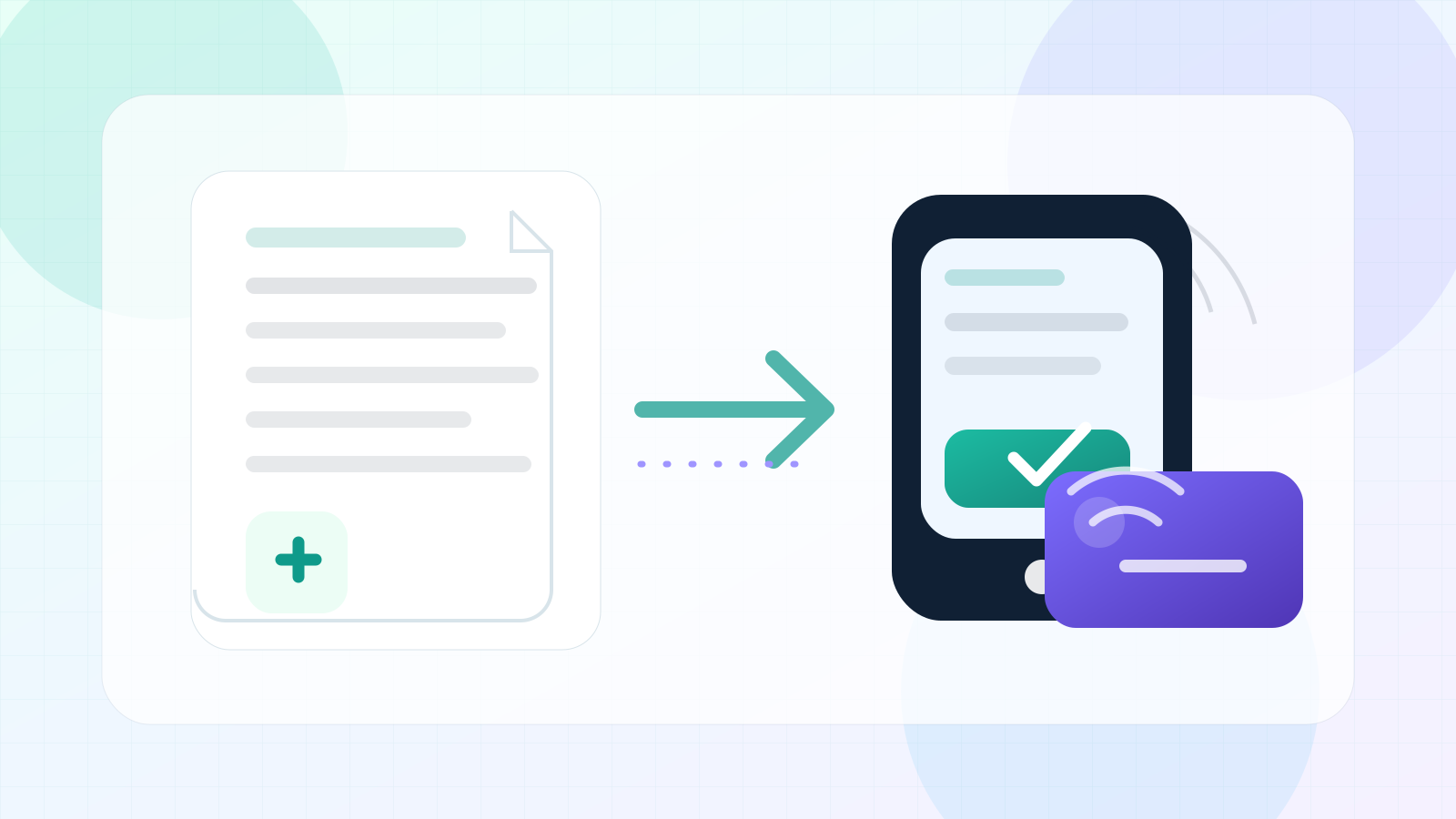
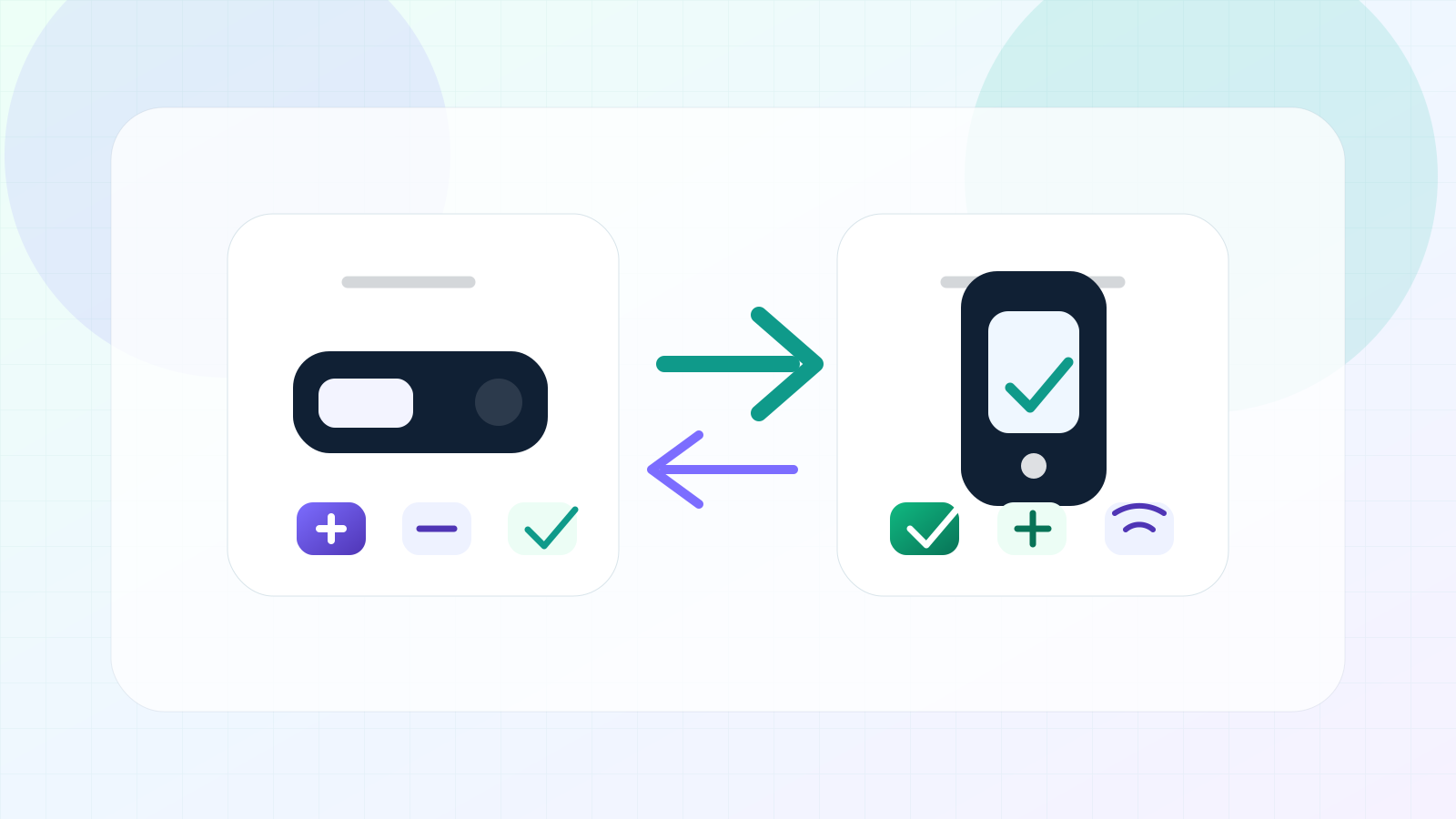
A screen hardware wallet and a card wallet can both support self-custody, but they feel very different. One prioritizes on-device review. The other prioritizes a slimmer mobile tap experience.
Short answer: screen wallets are better for review, card wallets are better for simple mobile flow
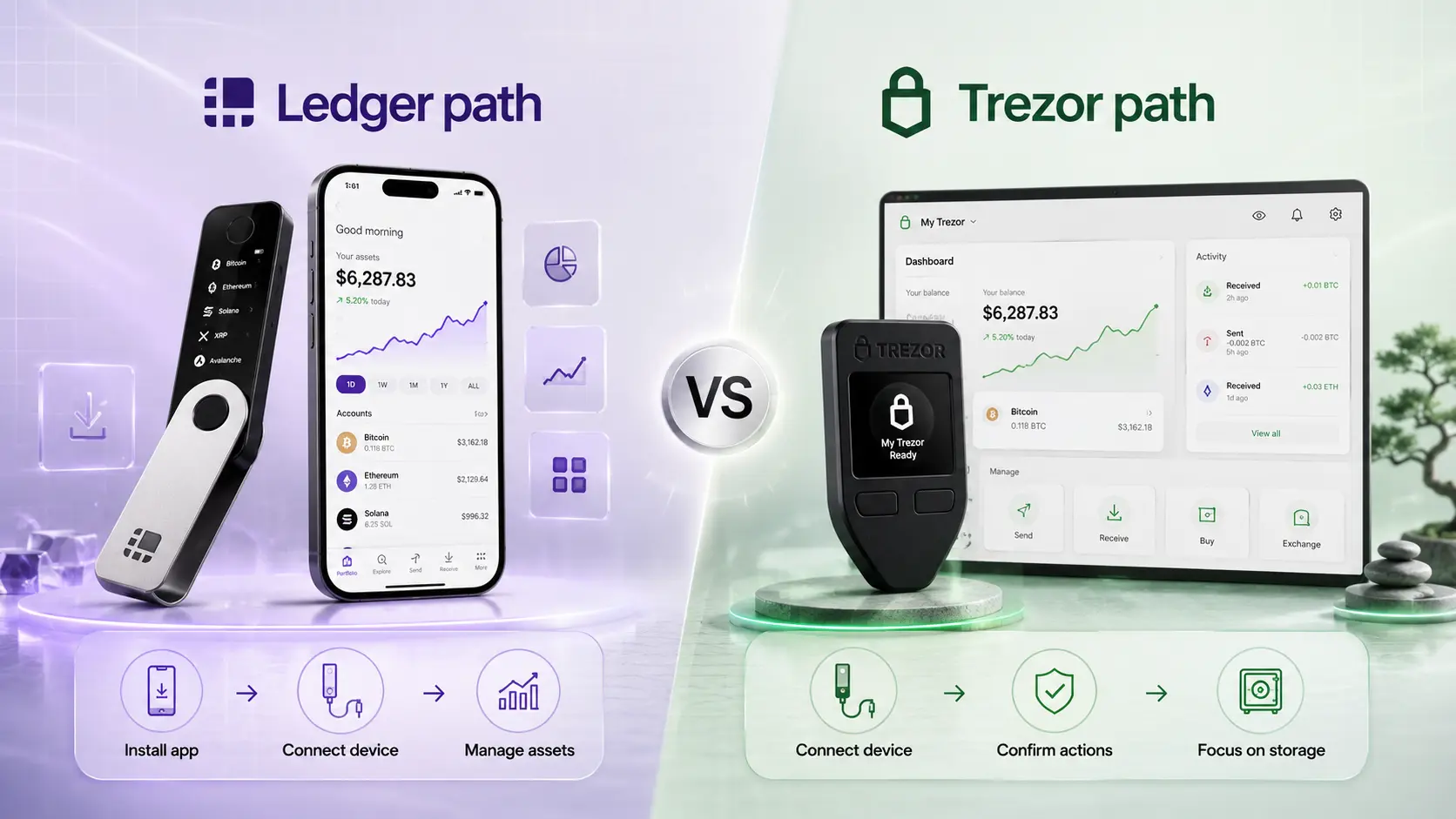
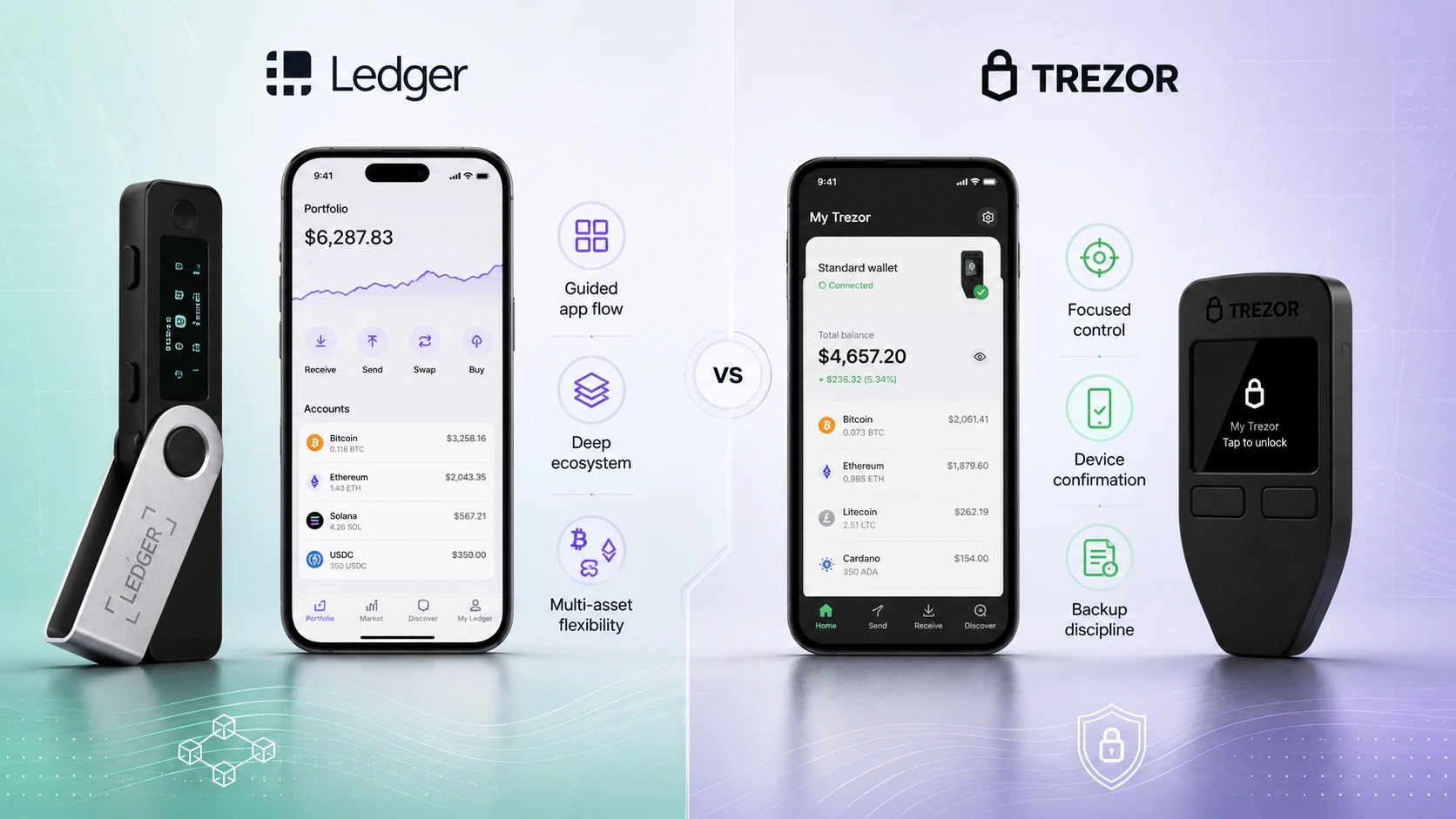
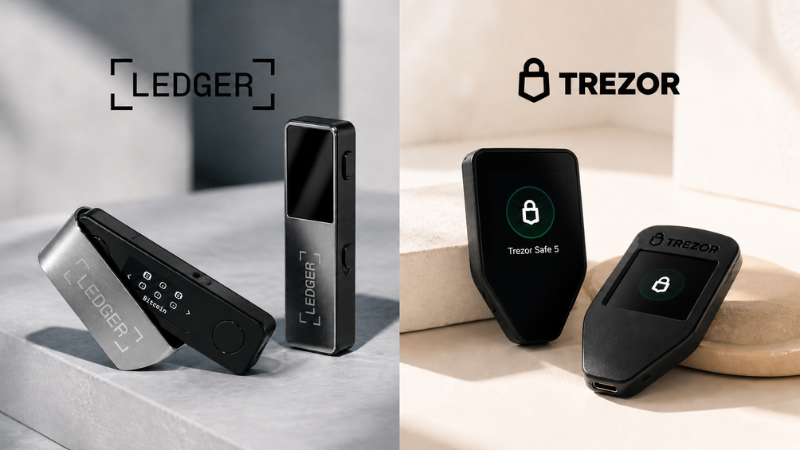
Choose a hardware wallet with a screen if you want to review addresses and actions directly on the device. Choose a card wallet if you want a simpler mobile-first experience and like the idea of tap-based signing. Ledger and Trezor usually represent screen/device wallets; Tangem is the common card-wallet comparison.
Quick facts to compare first
The difference is how you confirm what you are doing
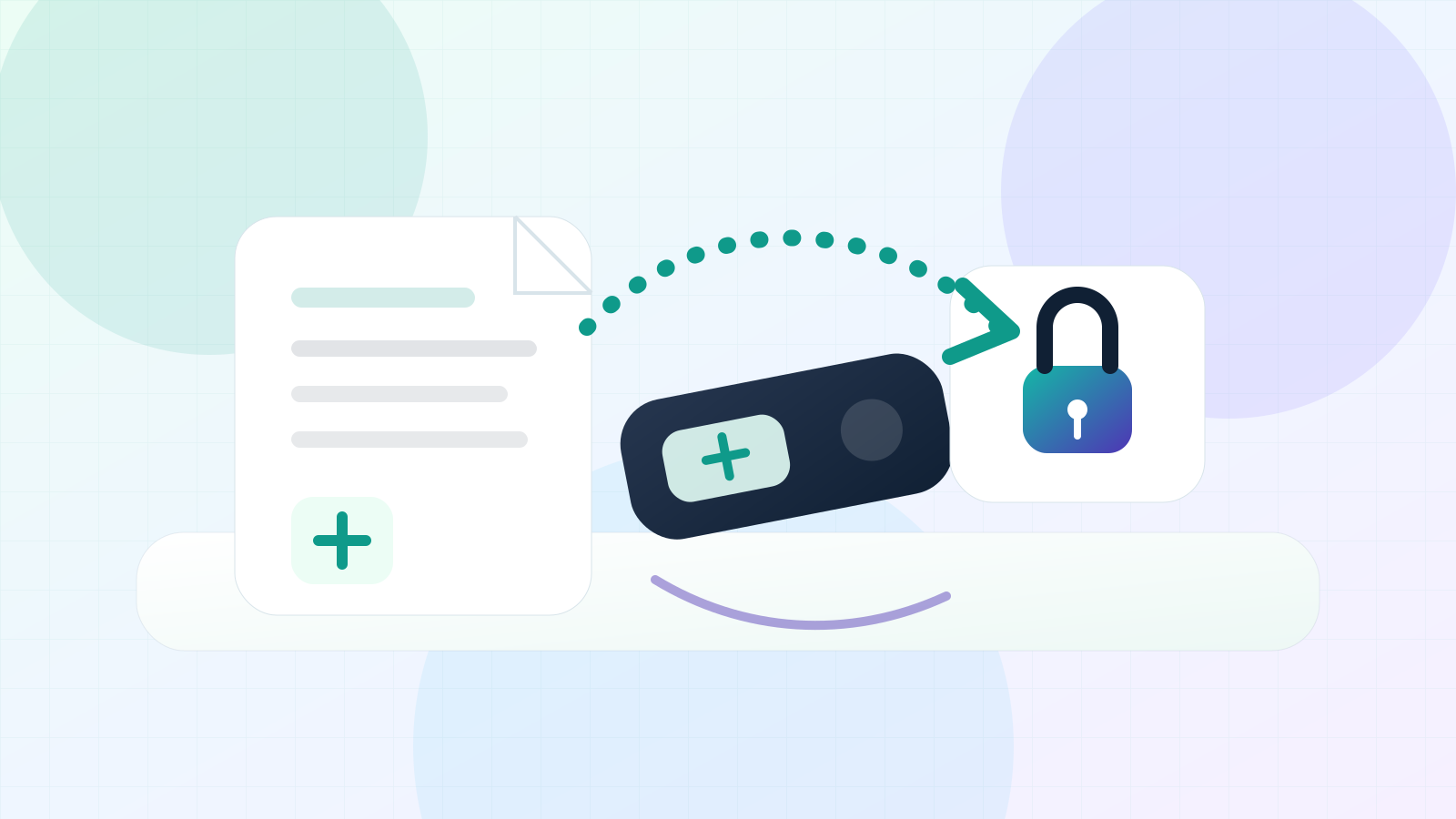
A screen wallet asks you to review key details on the wallet itself. That can be helpful for users who want a deliberate confirmation step and do not want to trust only the phone or computer display.
A card wallet removes much of the device-interface friction. It can be faster and simpler, especially on mobile, but the user should understand what the app shows, how backup cards work, and how replacement or loss scenarios are handled.
Screen review or mobile tap simplicity?
Screen wallet
- On-device display
- Physical confirmation
- Clearer transaction review
- Device, cable, or battery considerations
Card wallet
- Mobile-first interaction
- Compact card format
- Tap or NFC setup
- Fewer on-device details depending on design
Wallet-specific recommendation cards
Ledger
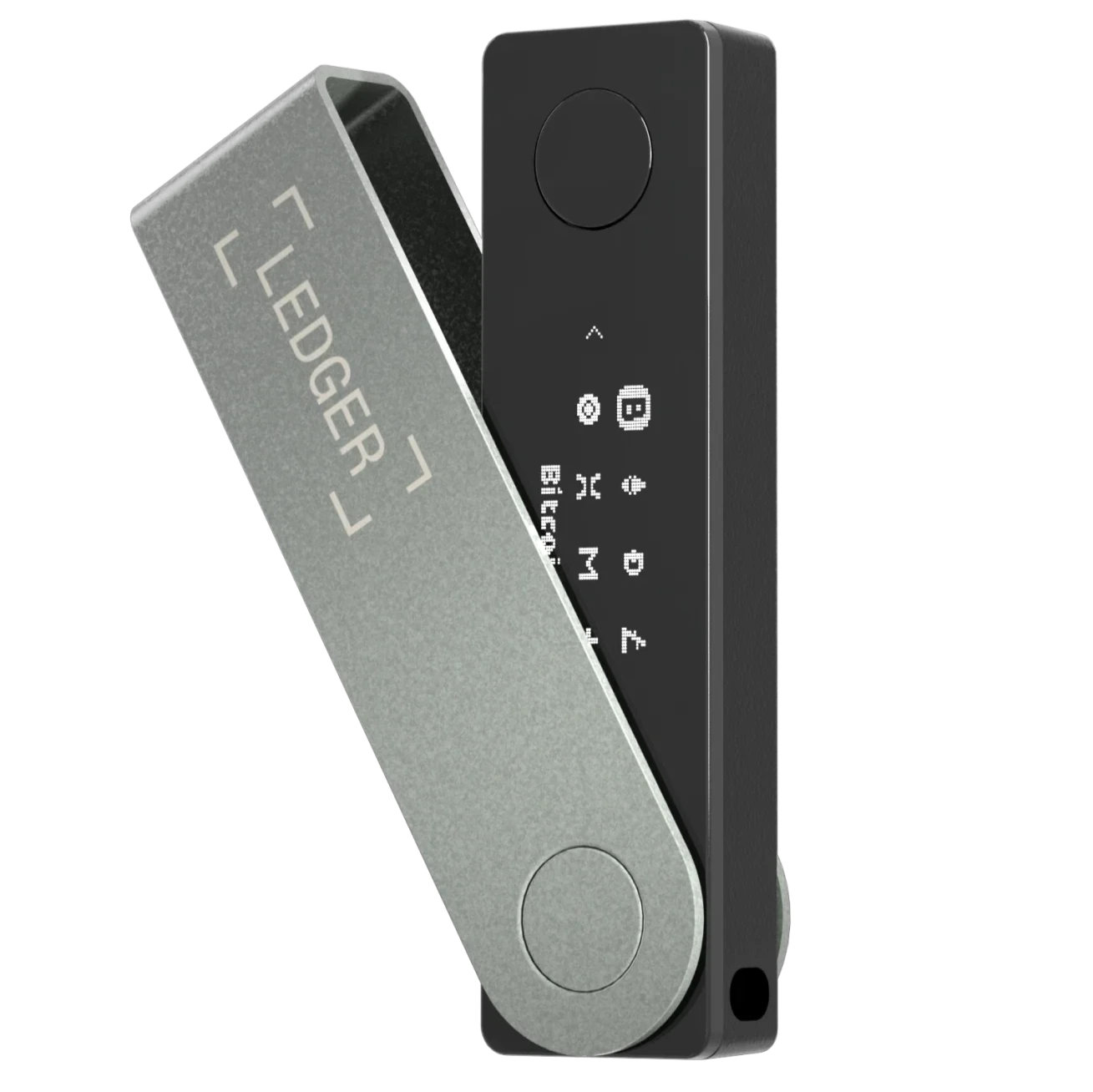
Ledger fits users who want a device screen plus broad app ecosystem flexibility for many crypto scenarios.
View Ledger →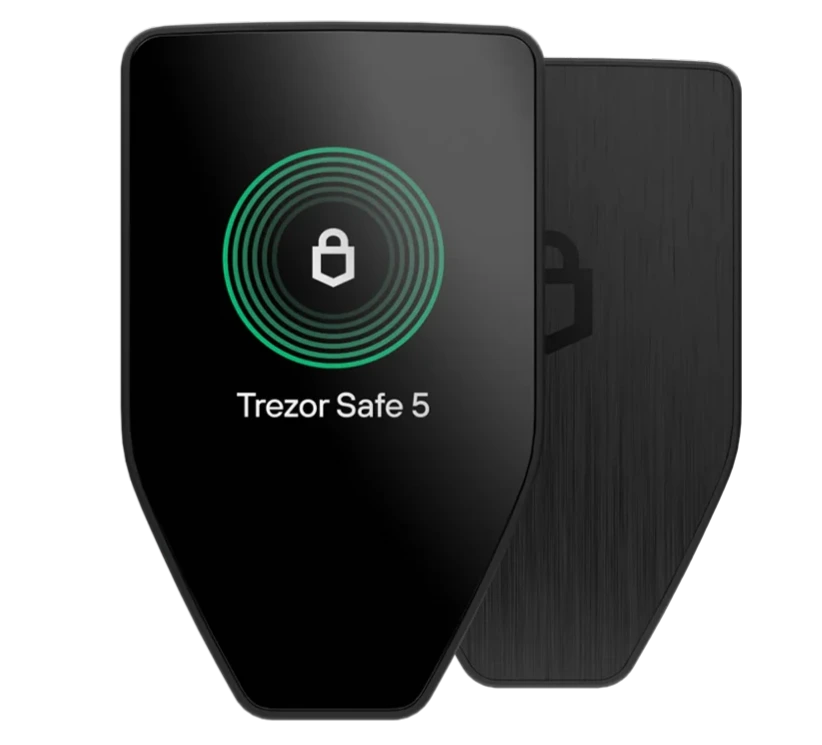
Trezor
Trezor fits users who want screen-based review, Trezor Suite, and control-focused self-custody habits.
View Trezor →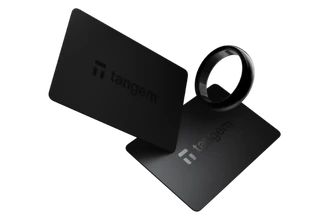
Tangem
Tangem fits users who prefer a card/mobile-first experience and do not want a traditional wallet screen.
View Tangem →Screen hardware wallet vs card wallet comparison
| Factor | Screen hardware wallet | Card wallet |
|---|---|---|
| Verification | Review details on the wallet screen. | Review mostly through the mobile app and tap flow. |
| Mobile convenience | Depends on model and app support. | Often very strong because cards are phone-first. |
| Beginner mistakes | Skipping device review weakens the benefit. | Not understanding backup cards weakens the benefit. |
| Best fit | Users who want deliberate confirmation. | Users who want lightweight everyday simplicity. |
Official facts and key numbers to know
Helpful next steps
Still unsure whether a screen wallet or card wallet fits your daily habits? Let the WalletMatcher quiz narrow it down.
Take the WalletMatcher Quiz Find the wallet style that fits your backup and storage habitsScreen wallet vs card wallet FAQ
Is a hardware wallet with a screen safer than a card wallet?
Not automatically. A screen can improve verification habits, but safety also depends on backup storage, official setup, and careful use.
Why does a hardware wallet screen matter?
A screen lets you review addresses or transaction details on the device instead of relying only on the phone or computer display.
Why would someone choose a card wallet?
A card wallet can feel simpler, thinner, and more mobile-friendly, especially for users who prefer tap-based signing.
Which wallets fit each style?
Ledger and Trezor commonly represent screen/device wallets, while Tangem is the most common WalletMatcher card-wallet comparison point.
Is this financial advice?
No. This guide is educational only. Always check official wallet details and make your own security decisions.
WalletMatcher is educational and may use sponsored wallet links. This page does not provide financial, tax, legal, or security advice. Always verify official product details before buying.